Gallery
The gallery collects public AI-generated images from the whole site. Two views at the top:
| View | Content | Login |
|---|---|---|
| Public images | Drawings set public by all users | No |
| My likes | Images you liked | Yes |
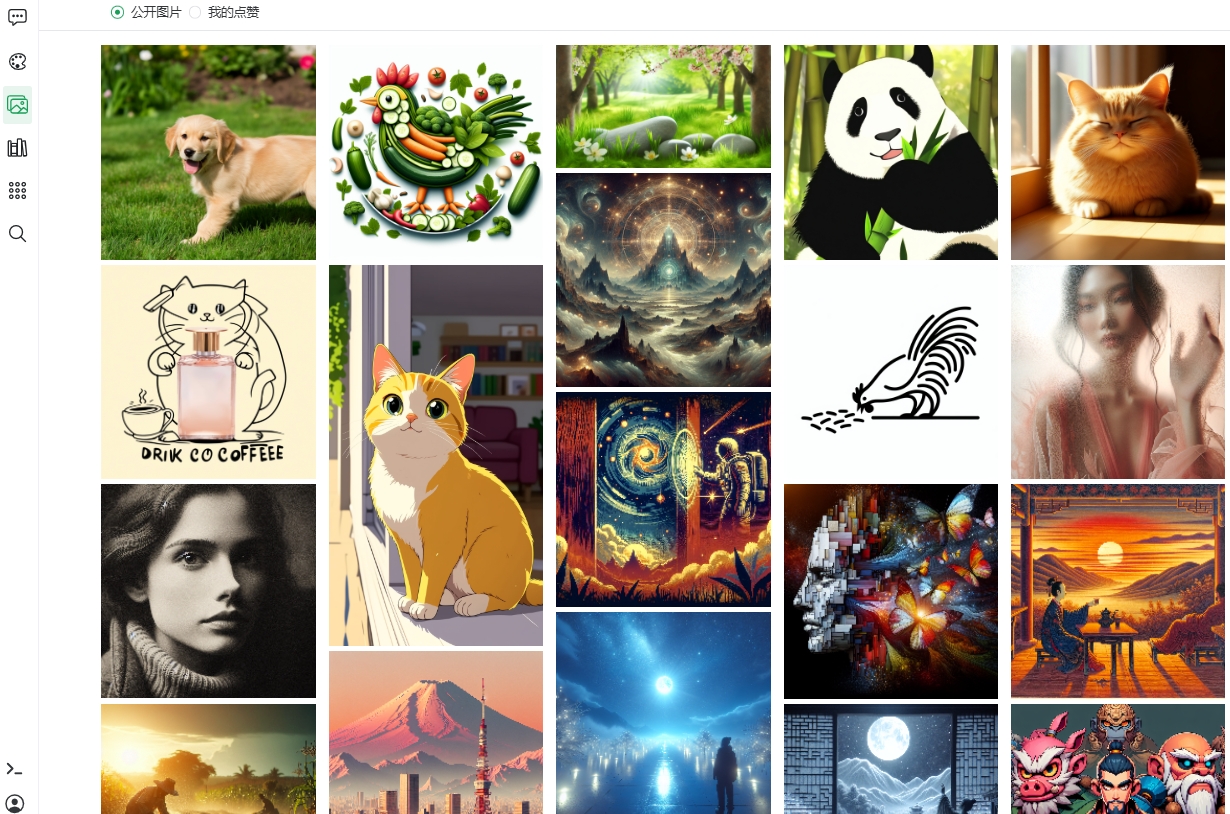
Browsing
- Pick a view (Public images / My likes);
- Scroll the grid; more loads automatically;
- Click an image for the drawing detail.
Interactions
| Interaction | Action | Description |
|---|---|---|
| Like | Heart icon | Saves the image; find it again under "My likes"; click again to undo |
| Comment | Comment box | Share your thoughts ("How is this image? Leave your comment~"); paginated; your comments can be deleted |
| I'll draw one too | Detail button | Reopens drawing with that image's prompt |
TIP
To publish your own work see Drawing · Management — once public, others can see, like and comment on it in the gallery.
Previous: Drawing · Next: Knowledge Base Overview